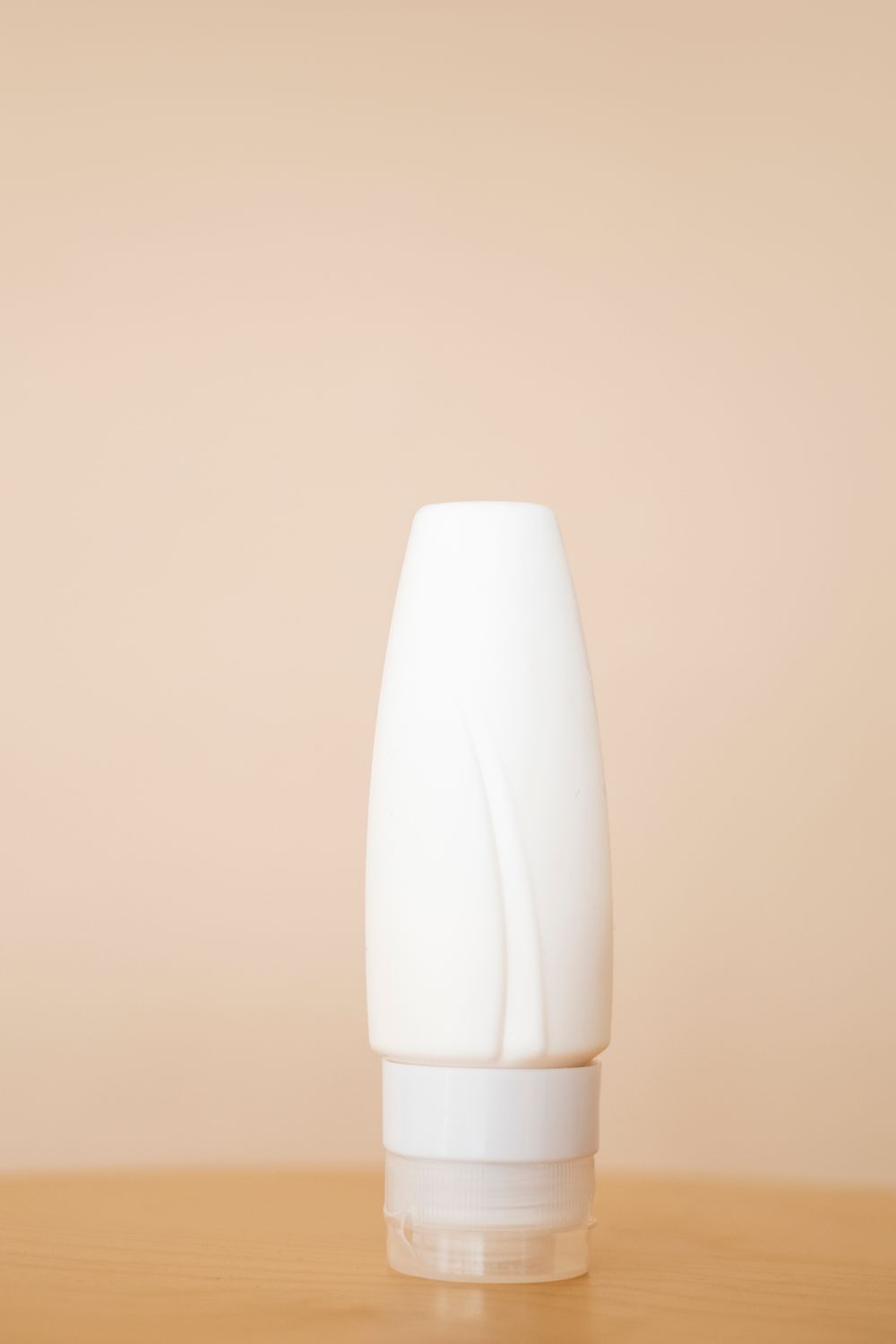
 Background removal · visual example↗
01 / CLEAN START
Put the subject first.
Remove distracting backgrounds, center the subject, and export transparent or white-background product images.
Remove Background ↗BLANK TOOLS · YOUR IMAGE WORKBENCH
Keep the subject. Clean the frame. Make text usable across languages.
Four focused tools for the image work you do every day.

FOUR CAPABILITIES · ONE FOCUSED WORKFLOW
Pick the tool that matches the job.
Each one opens in its own focused workspace.
Background removal · visual example↗
Remove distracting backgrounds, center the subject, and export transparent or white-background product images.
Remove Background ↗ Image cleanup · selection example↗
Brush over unwanted objects or details and let AI rebuild the surrounding image naturally.
Object Eraser ↗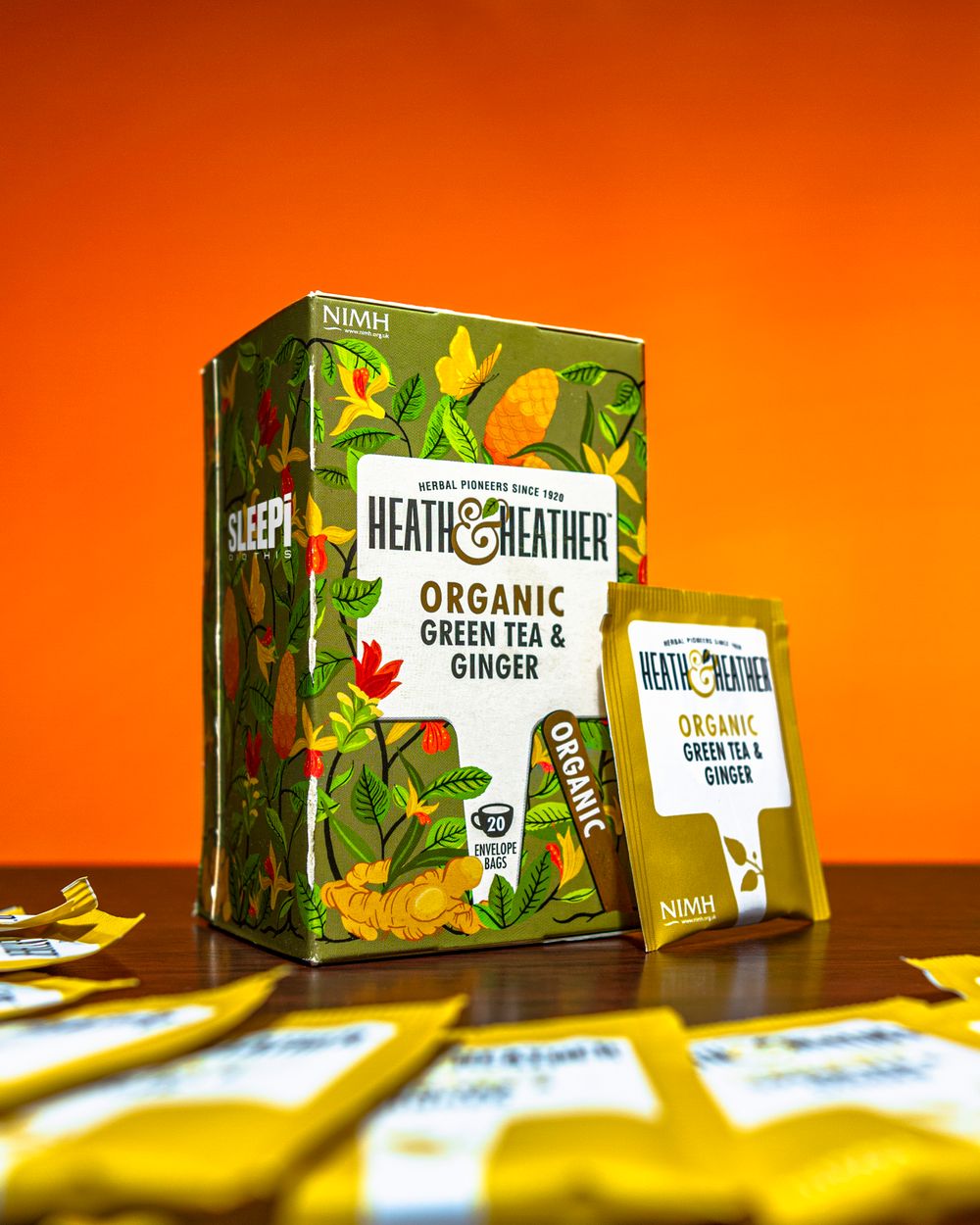
20 ENVELOPE BAGS
Extract text from labels, screenshots, and product images while keeping location context for easier review.
Image OCR ↗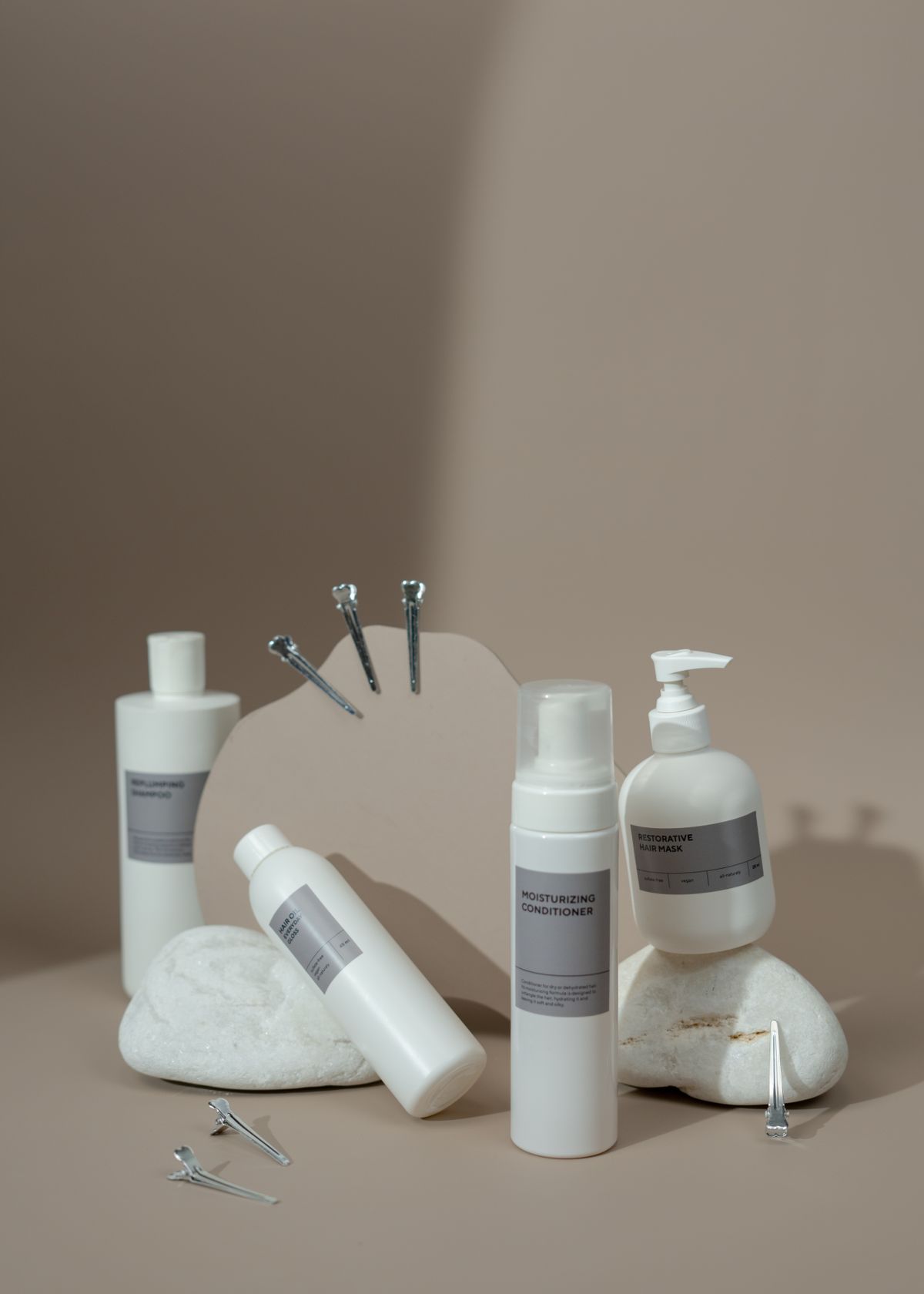
MOISTURIZING
CONDITIONER
Translate text inside product images and posters, then review and refine the translated layout before export.
Image Translator ↗Photography is used to illustrate common workflows. Selection boxes and translated text are interface examples, not claimed AI outputs.
PRODUCT PHOTOGRAPHY / START WITH THE IMAGE YOU ALREADY HAVENOT JUST EDITING · A BETTER NEXT STEP
Extract label information and prepare existing images for another language.
FROM IMAGE TO RESULT
Upload or drag in the image you already have.
Review the result and adjust the parts that matter.
Export the result and move on to the next job.
YOUR IMAGE IS READY FOR THE NEXT STEP.