BLANK. Image Toolbox WORKSPACE
No image selected
0 images
FREE ONLINE IMAGE WORKSPACE / NO SIGN-UP

Every image edit.
One clean workspace.

Resize, crop, rotate, split, merge and compress images in a single, simple workspace. Drop your files in and start editing instantly.

Drop images here to begin
or browse files · JPG, PNG, WebP, GIF (first frame)
Your photos stay in your browser
✓ Free to use✓ No account✓ Local processing
Explore everyday use cases
image-toolbox / WORKFLOW PREVIEW Ready
Illustrative product photograph in a sample image editing workspace
OUTPUT SIZE800 × 800
Aspect ratioLocked
Export image ↗
product-photo.jpg1 IMAGE
01 / RESIZESet precise dimensionsOne image, any size
✓Processed locallyNo server upload required
THE TOOLKIT

The essential edits, all together.

Start with a file. Make every adjustment in the same place.

01

Resize

Enter exact dimensions or quickly prepare an 800 × 800 image.

02

Crop & rotate

Select the part you want, then rotate and refine without starting over.

03

Split images

Cut long images into equal pieces or by maximum height.

04

Merge

Join several images horizontally or vertically into a new canvas.

05

Compress

Reduce file sizes in batches and compare results before downloading.

06

Export

Save as JPG, PNG or WebP, or download multiple results in a ZIP.

REAL-WORLD WORKFLOWS

Made for the images
you work with every day.

Not another complicated design app. Just the practical edits that help you prepare, organize and publish images in fewer steps.

01 / PRODUCT IMAGES800 × 800 PX
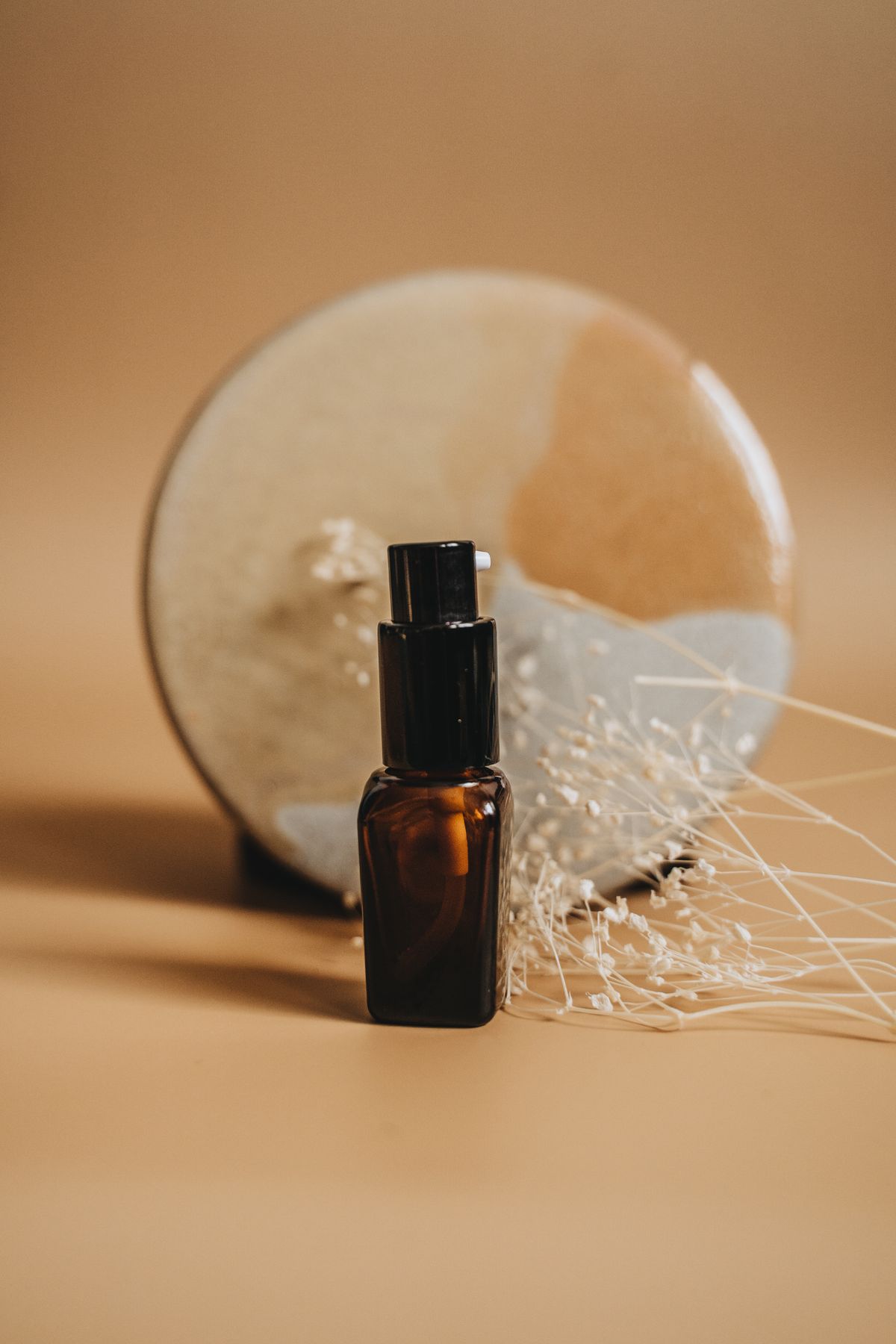
Serum product photography used as a sample image
Square format ready ↗
USE CASE 01 ONLINE STORES

Make product photos listing-ready.

Turn different source sizes into consistent square images with an 800 × 800 crop or white-padding shortcut.

Center cropWhite paddingResize
02 / LONG IMAGES3 PARTS
One long image → 3 pieces ↓
USE CASE 02 CONTENT & DOCUMENTS

Split long screenshots in seconds.

Break a long screenshot or product detail image into equal sections—or set a maximum height and export every piece together.

Equal partsMax heightZIP export
03 / IMAGE COMPOSITIONSIDE BY SIDE
Sample serum product image
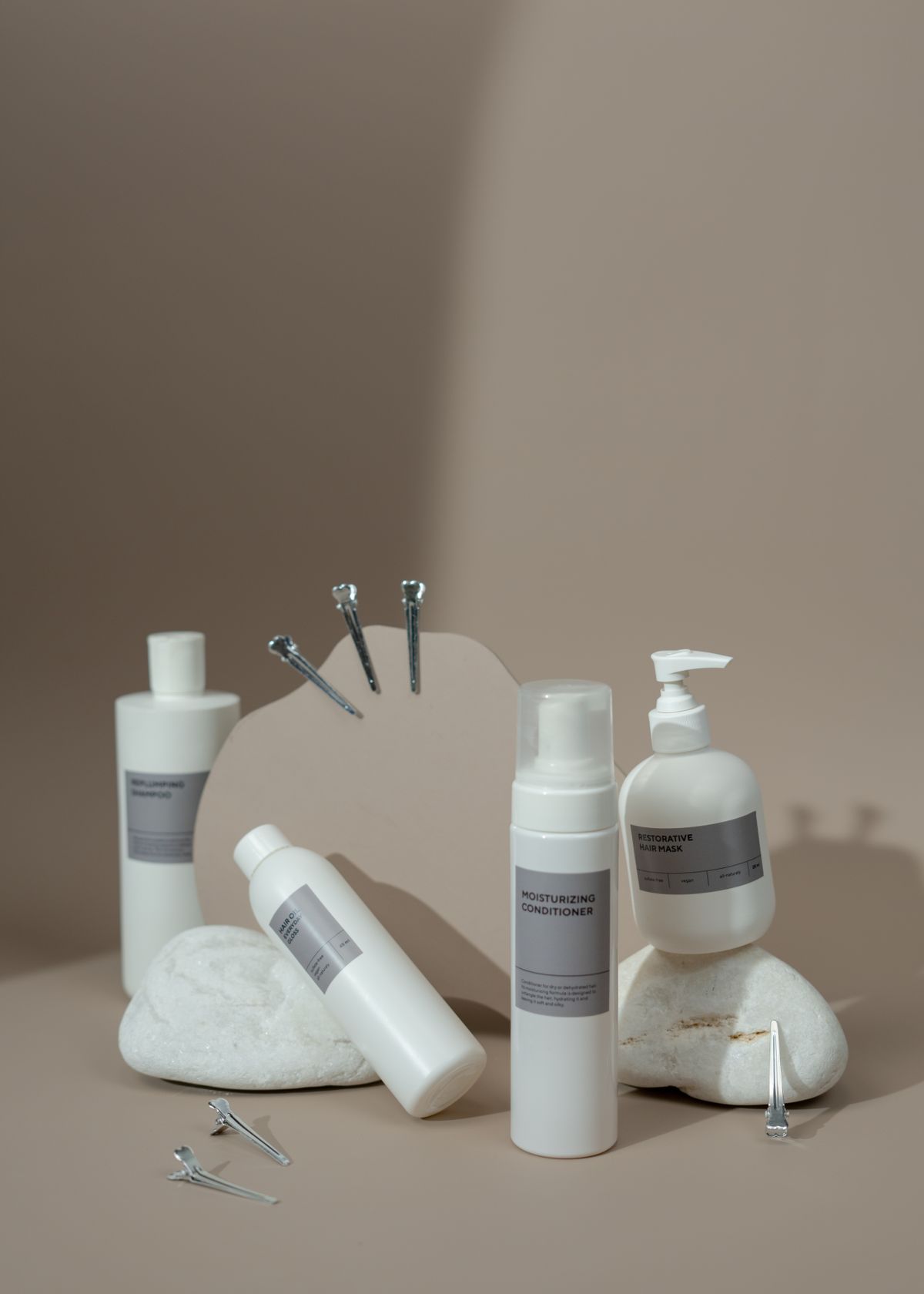
Sample skincare product image
Two photos → one canvas ↗
USE CASE 03 COMPARISONS

Bring multiple images together.

Put photos side by side for a quick comparison, or stack them vertically into a single image for sharing and review.

HorizontalVerticalOne canvas
04 / BATCH OPTIMIZATION3 FILES
Batch export as ZIP ↗
USE CASE 04 PUBLISHING WORKFLOW

Prepare a whole batch at once.

Compress multiple images, review each file's resulting size, then download them individually or together in one ZIP.

Batch compressSize comparisonZIP
Resize
×
px
0°
Drag to preview rotation, then add it as an edit step.
Choose a crop area by dragging over the image. The crop adapts when earlier steps change.
parts

Add an image to preview the split lines.

Split images appear in the filmstrip and update when their source changes.
No edits yet
Edits stay in this image’s step history. Add, edit or remove steps and preview changes before exporting.
Merge list is empty. Add at least 2 images.
Merged images become editable images that you can split or compress.
After compression, download, copy or reuse each image from the results drawer.
Drag on the image to select a crop area · Esc to cancel